Doc Sign Desk · Features
Everyone signs in the right order
Add the people, pick who signs, who approves and who just gets a copy. Turn on signing order if it matters.
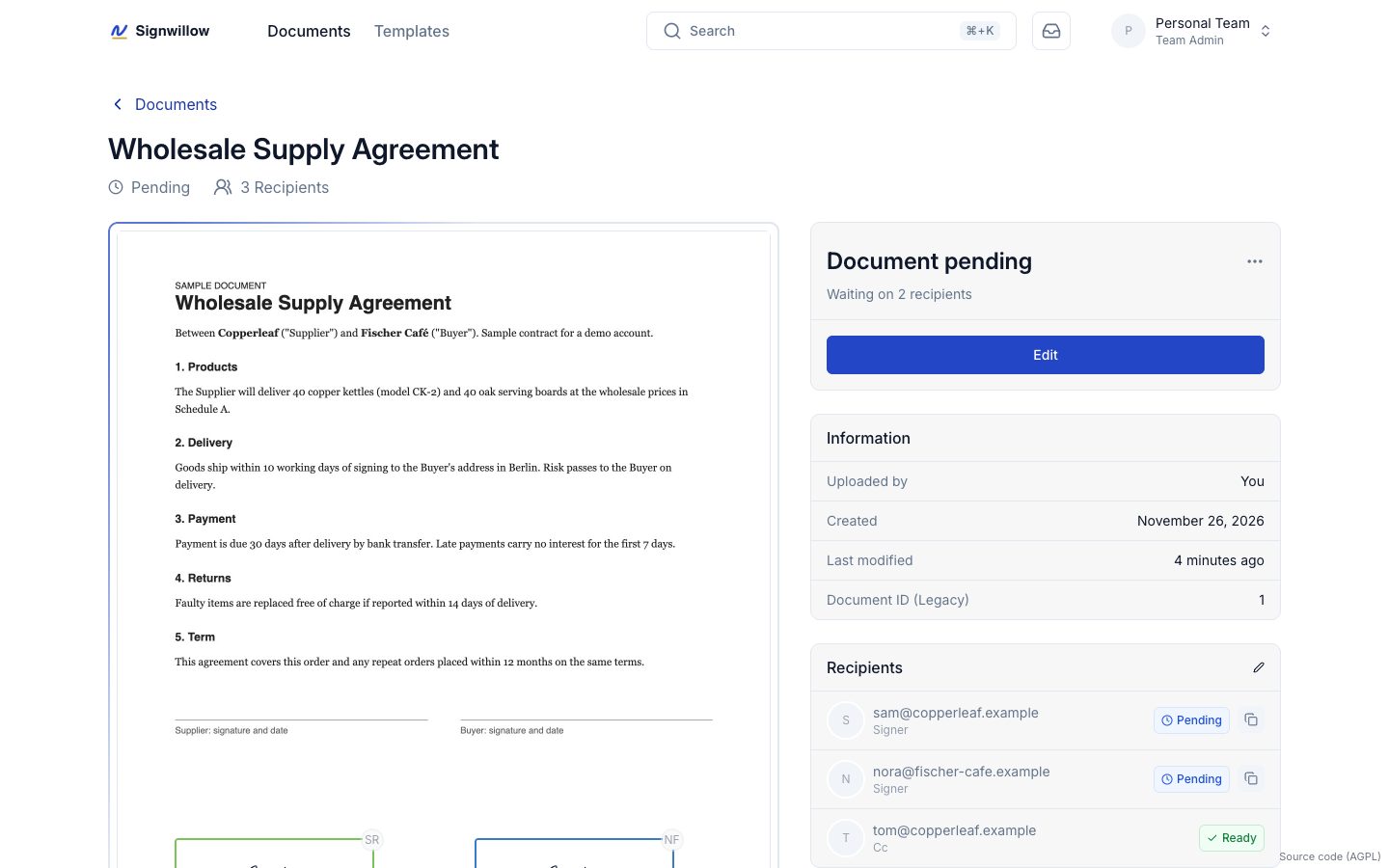
A real screen of Doc Sign Desk, with sample data.
Add the people: signers, approvers who check it first, viewers, and people who just get a copy. Turn on signing order and each person gets their turn after the one before has signed.
Copy each signer's link from the document and send it however you like: WhatsApp, a text or your own email.
- Signer, approver, viewer, copy
- Signing order
- Share the signing link yourself
How to use it
- Open the document.
- Copy each signer's link.
- Send it to them.
More in Doc Sign Desk
Prepare documents
Drag a signature, initials, date, name or text box onto the page where it belongs. Every person gets their own colour.
Signing on any phone
The signer opens the link, taps each field and signs with a finger. No account and no app.
Proof and audit trail
The finished file is sealed with a digital certificate. A signing log shows when each person opened and signed.