Doc Sign Desk · Features
Drop in a PDF, place the fields
Drag a signature, initials, date, name or text box onto the page where it belongs. Every person gets their own colour.
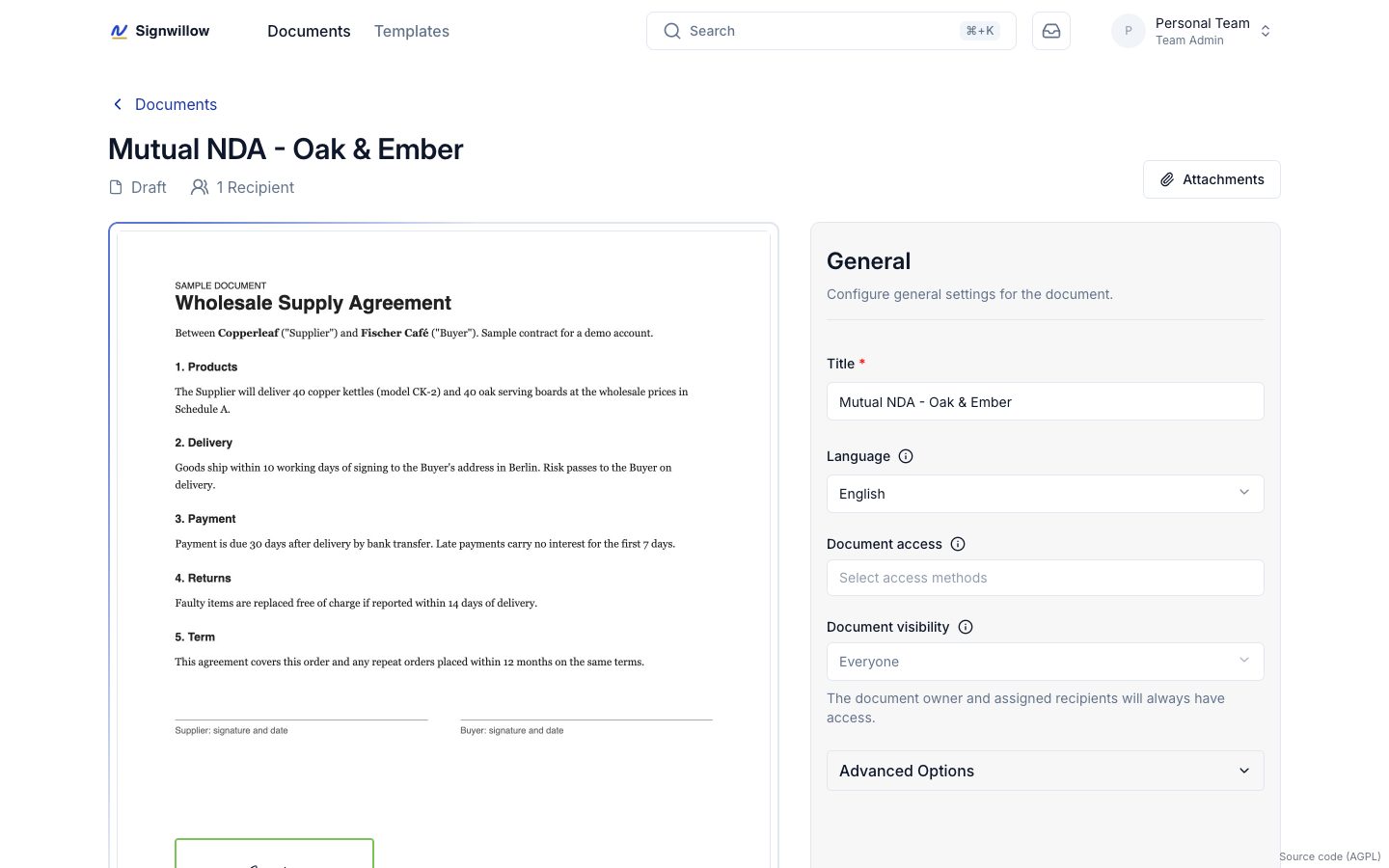
A real screen of Doc Sign Desk, with sample data.
Upload a PDF and drag fields onto the page: signature, initials, name, email, date, text, number, checkbox, radio and dropdown. Each person gets a colour, so you can see whose field is whose.
Make a field required or optional and spread fields over as many pages as you need. Save the whole thing as a template if you'll send it again.
- Signature, initials, name, email, date
- Text, number, checkbox, radio, dropdown
- Required or optional fields
How to use it
- Press Upload Document and pick a PDF.
- Add the people who'll sign.
- Drag their fields onto the page.
More in Doc Sign Desk
Send for signing
Add the people, pick who signs, who approves and who just gets a copy. Turn on signing order if it matters.
Signing on any phone
The signer opens the link, taps each field and signs with a finger. No account and no app.
Proof and audit trail
The finished file is sealed with a digital certificate. A signing log shows when each person opened and signed.